Which Image Model Should I Choose?
Use this page to pick the right model for a new stream, then generate the same kinds of scenes consistently when you want to compare output quality over time.
Best all-rounder: black-forest-labs/FLUX.1-dev
Best for text and layout tests: ovedrive/Qwen-Image-2512-4bit
Best for character-led images: cyberdelia/CyberRealisticPony
Best for fast visual exploration: Tongyi-MAI/Z-Image-Turbo
Best for fantasy concept art: Lykon/dreamshaper-xl-1-0
Best classic SDXL baseline: stabilityai/stable-diffusion-xl-base-1.0
- For a fair comparison, keep the aspect ratio, resolution, and prompt wording unchanged within each model section.
- Weakness checks are there to expose limits like text rendering, tiny details, anatomy under motion, or wider scene coherence.
- If a model surprises you, that matters more than the label here. These are starting assumptions, not hard rules.
Tongyi-MAI/Z-Image
Good first pick for punchy colour, stylised atmosphere, and bold scene reads.
Pros
- Tends to produce striking colour and mood quickly.
- Usually works well for cinematic, editorial, or stylised scenes.
- Strong when the image needs impact more than technical literalness.
Cons
- Can be less dependable for exact small text and fine signage.
- May drift away from precise realism in texture-heavy scenes.
- Subtle object relationships can get simplified.
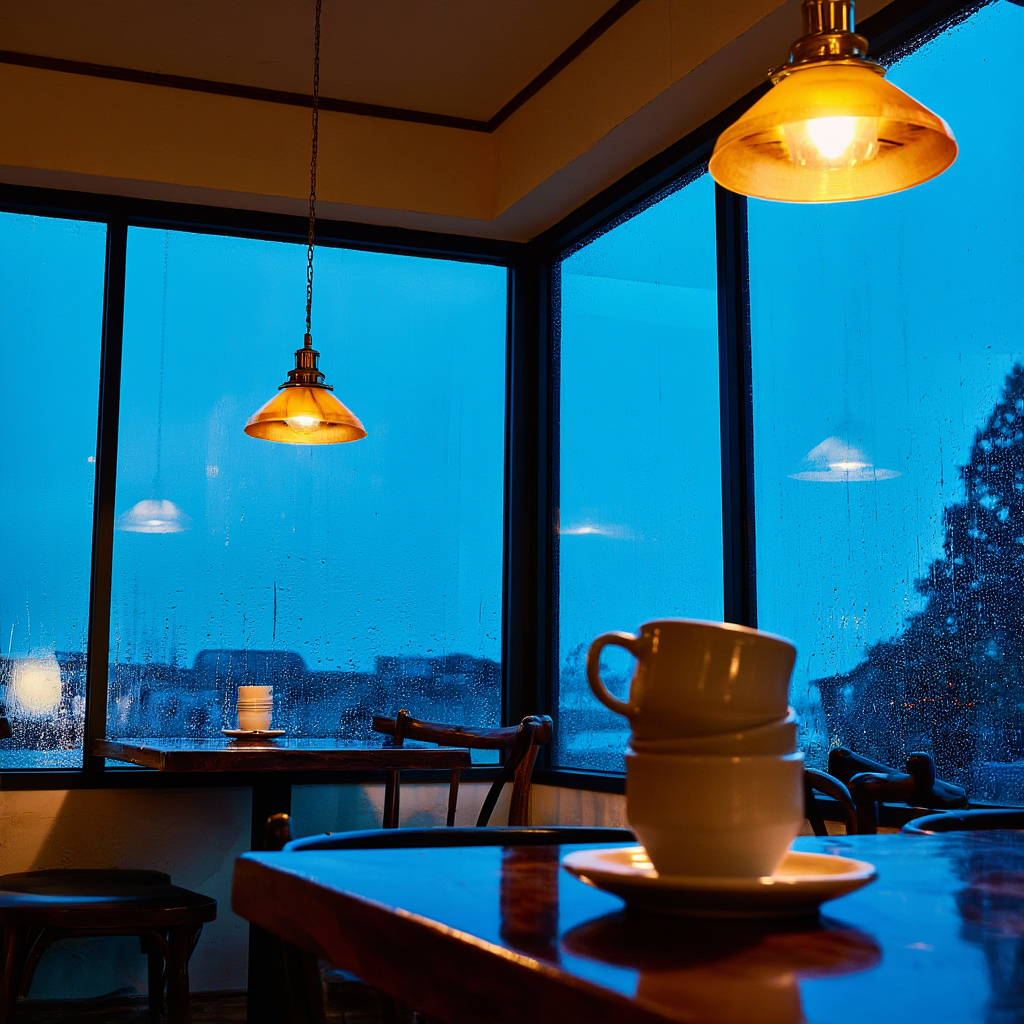
Prompt 1: Editorial atmosphere
Tests colour, mood, and scene styling.
A small corner cafe at blue hour, rain on the windows, warm brass lamps, stacked ceramic cups, reflections on dark wood tables, cinematic editorial photography, rich teal and amber colour contrast, realistic lens depth, no text, no watermark
Image result for Tongyi-MAI/Z-Image

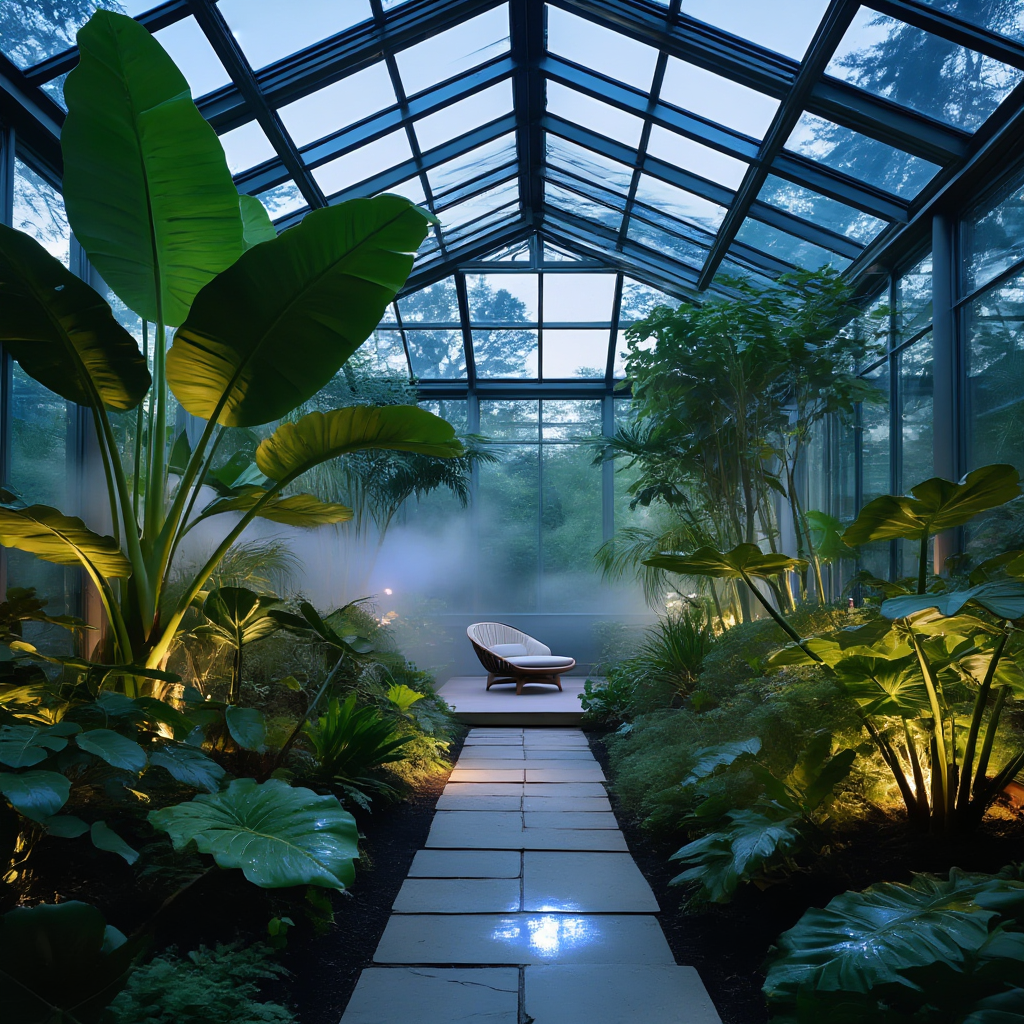
Prompt 2: Stylised concept scene
Checks whether the model keeps drama and composition in a fantasy-leaning setup.
A glass conservatory filled with oversized tropical plants at dusk, soft mist between the leaves, a single stone path leading to a reading chair, luminous reflections, elegant magazine-style composition, highly detailed but tasteful, no people, no text
Image result for Tongyi-MAI/Z-Image
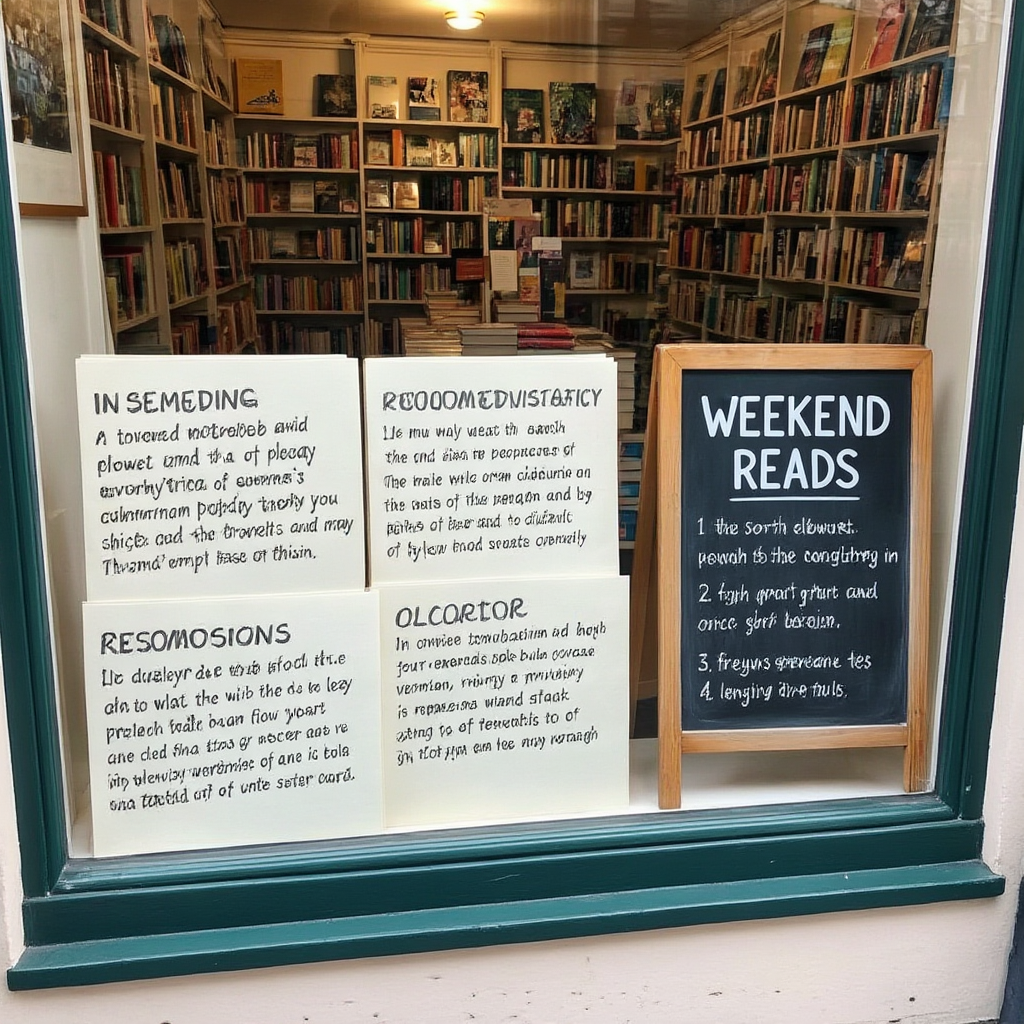
Prompt 3: Weakness check
Useful for checking small text accuracy and structured detail.
A neat independent bookshop window display with three handwritten recommendation cards and a clean chalkboard sign that reads WEEKEND READS, daylight street photography, realistic paper texture, tidy shelves, accurate lettering, no people
Image result for Tongyi-MAI/Z-Image
Tongyi-MAI/Z-Image-Turbo
A speed-first variant for quick moodboards, punchy product shots, and fast visual exploration before you commit to a slower model.
Pros
- Gets to a strong visual read quickly with vivid colour and contrast.
- Useful for look-dev, fast editorial concepting, and early client options.
- Can still deliver surprisingly readable layouts when the scene is simple.
Cons
- Less grounded than the full Z-Image or FLUX models when realism matters.
- Fine control over small typography and exact object relationships still needs checking.
- Can simplify subtle textures or lighting transitions in a way that feels more synthetic.
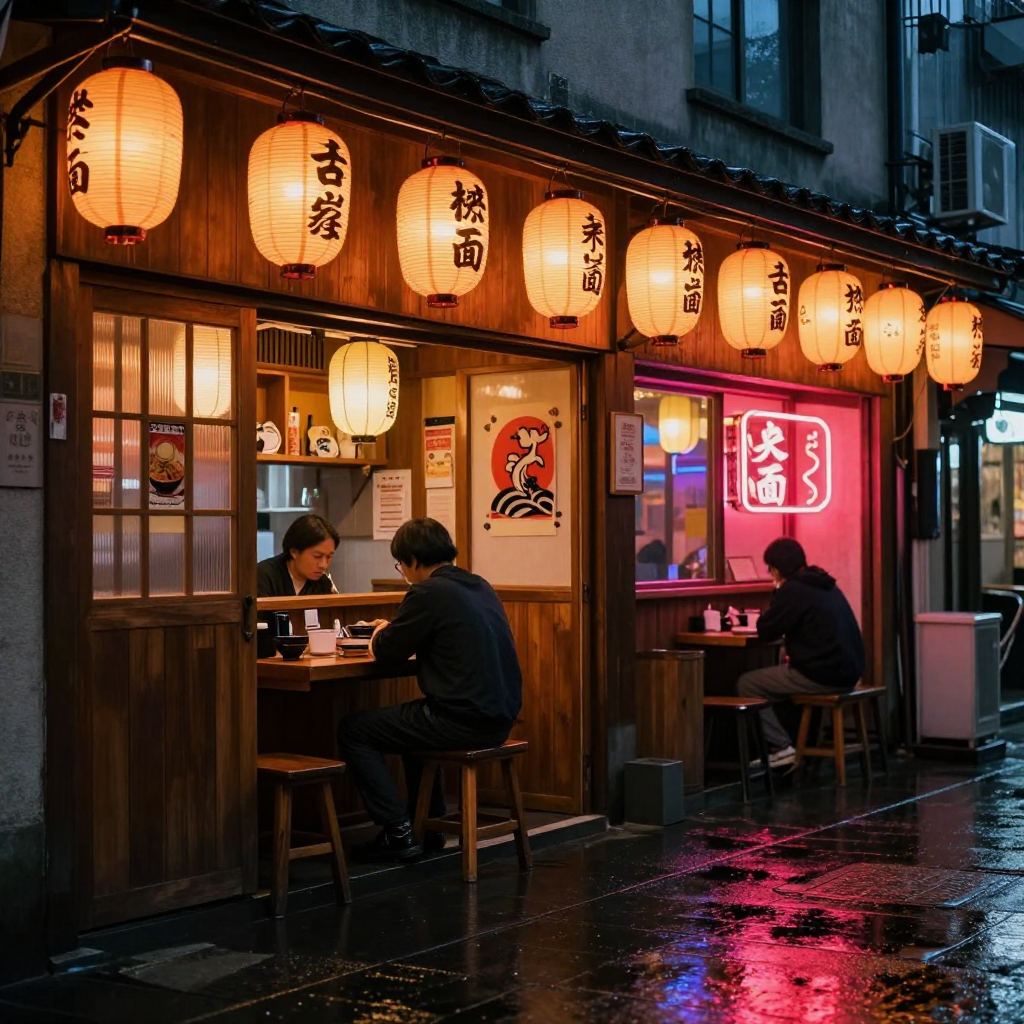
Prompt 1: Fast cinematic mood
Shows how quickly the turbo model can land atmosphere and colour.
A neon-lit ramen bar on a rainy side street, glowing paper lanterns, reflections on wet pavement, stylised cinematic photography, saturated color, no people, no text
Image result for Tongyi-MAI/Z-Image-Turbo
Prompt 2: Bold product styling
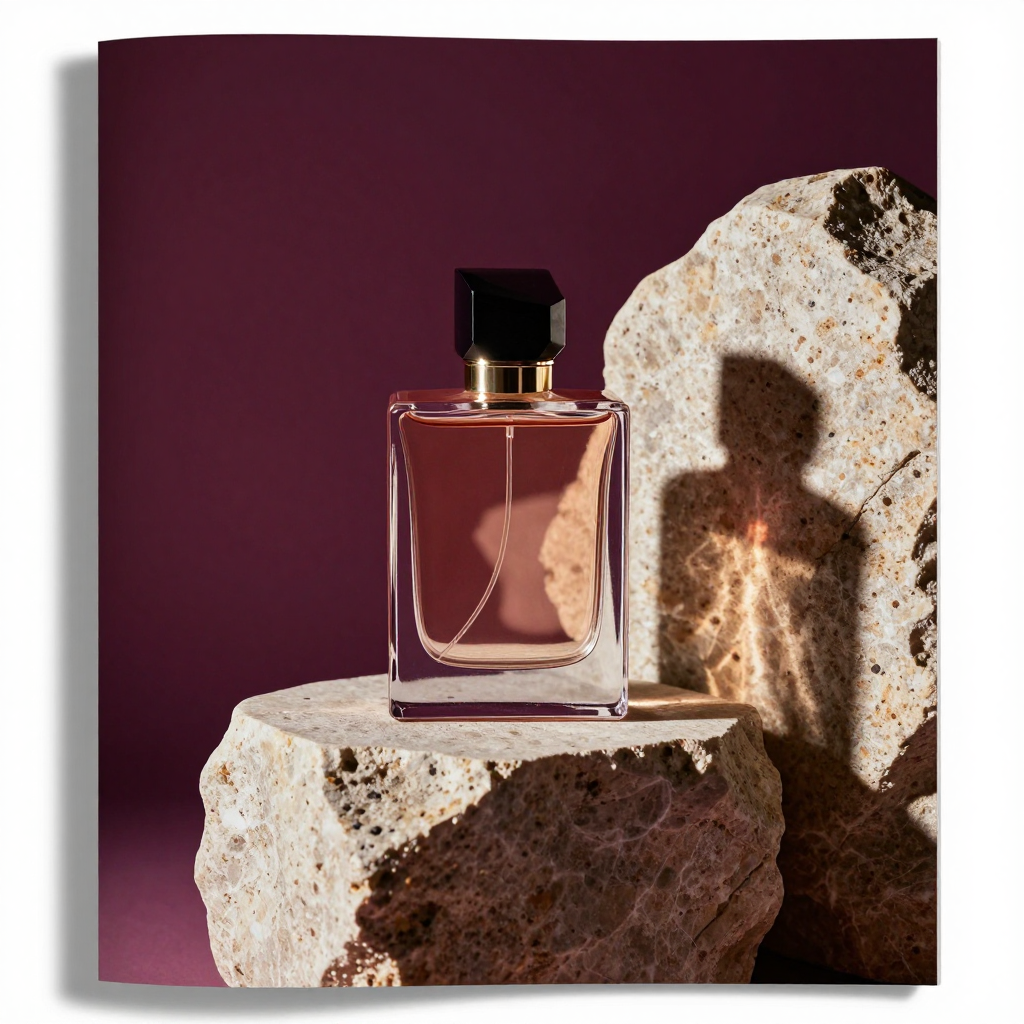
Checks whether the model can keep a graphic editorial setup sharp and premium-looking.
A modern perfume bottle on sculpted stone plinths, dramatic shadows, glossy magazine product styling, bold composition, rich jewel tones, no text, no watermark
Image result for Tongyi-MAI/Z-Image-Turbo
Prompt 3: Weakness check
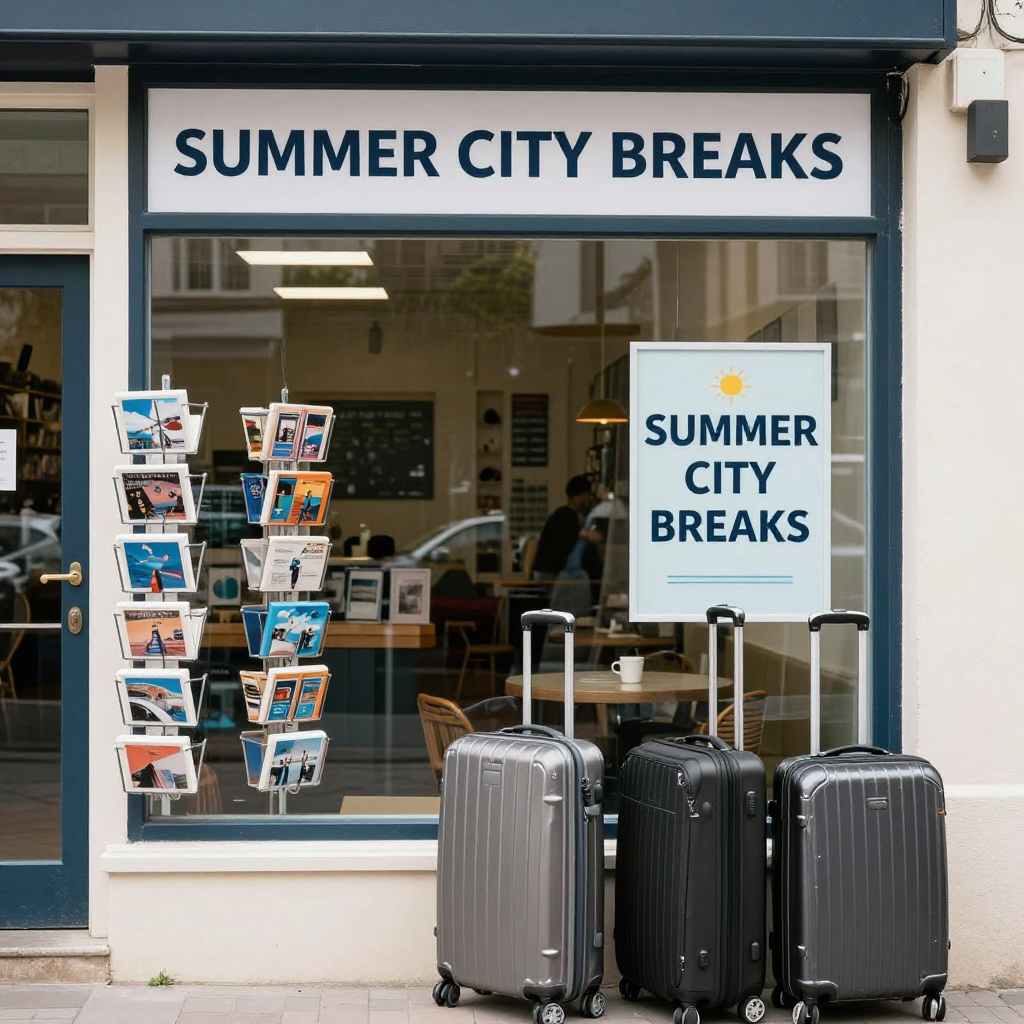
Useful for checking whether signage and repeated text still hold together.
A tidy travel agency window with postcard racks, suitcases, and a printed sign that clearly reads SUMMER CITY BREAKS, daylight street photography, accurate lettering, no people
Image result for Tongyi-MAI/Z-Image-Turbo
HelpingAI/PixelGen
A practical general-purpose option for clear compositions and cleaner prompt exploration.
Pros
- Often gives a straightforward reading of the prompt.
- Useful for concepting scenes without too much visual noise.
- Can be a good fit for illustration-leaning or design-leaning prompts.
Cons
- May feel flatter or less premium than stronger realism models.
- Fine material realism can be less convincing.
- Complex anatomy or tactile macro detail may expose limits quickly.
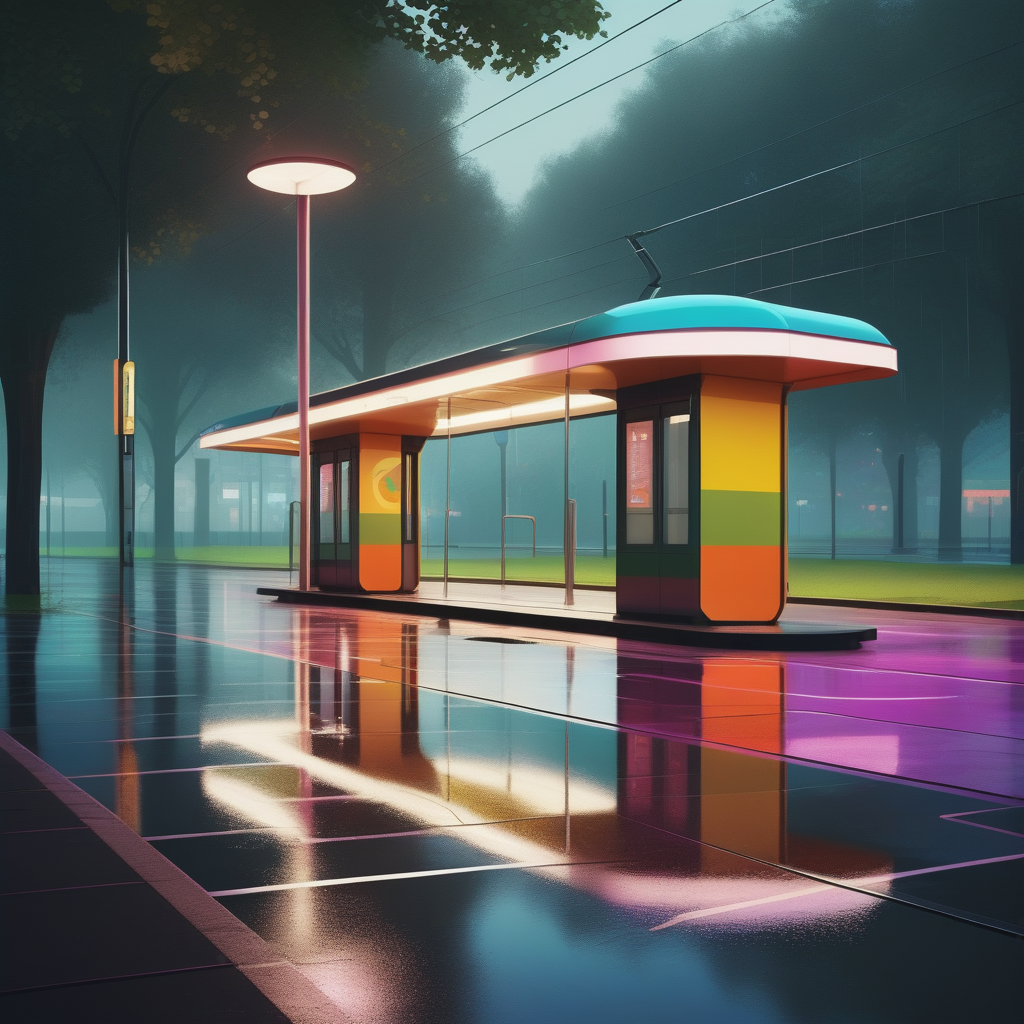
Prompt 1: Clean design-led scene
Highlights readability, layout, and object separation.
A retro-futurist tram stop beside a city park, clean geometric shelter design, bold wayfinding colours, tidy pavement reflections after light rain, balanced wide composition, crisp shapes, polished concept art look, no people, no text
Image result for HelpingAI/PixelGen
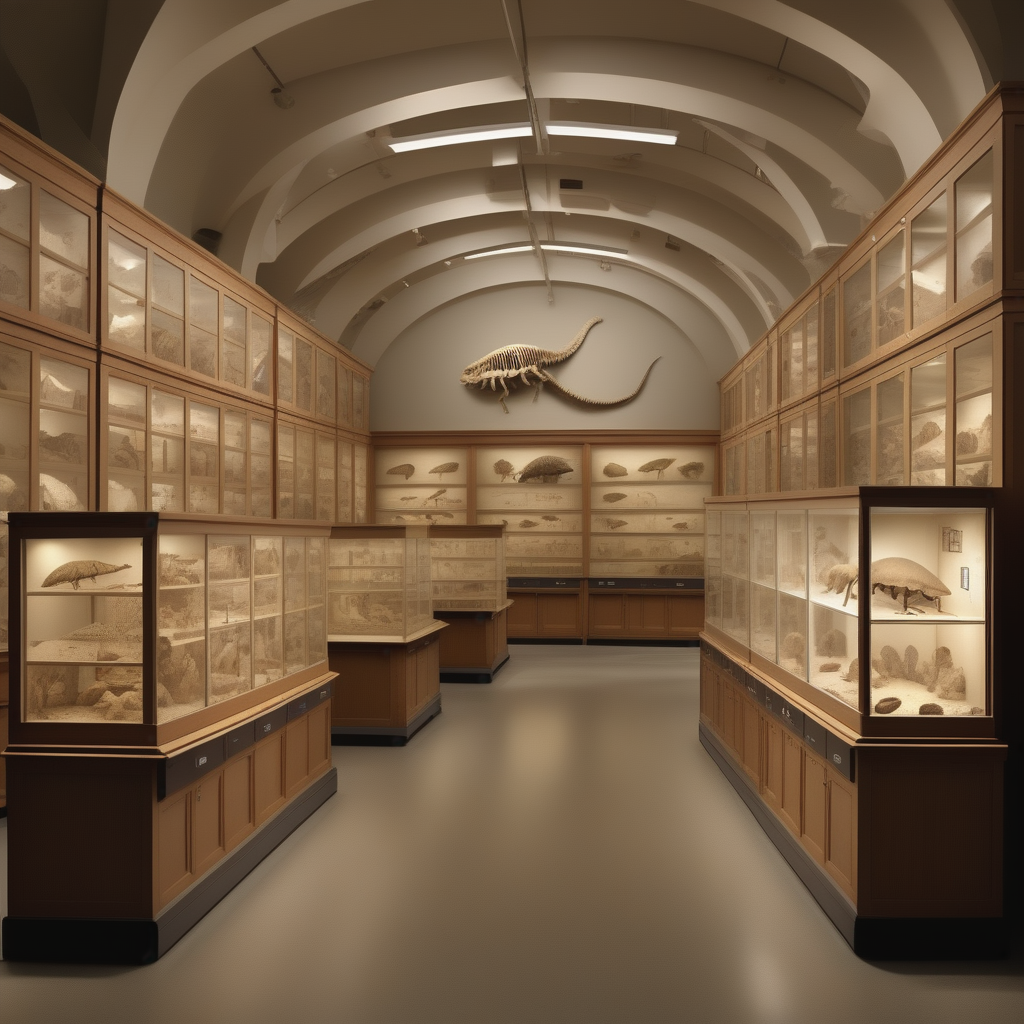
Prompt 2: Structured illustrative detail
Checks whether the model can keep a busy scene organised.
A cutaway view of a natural history museum display room, fossil cabinets, specimen drawers, soft overhead lighting, labelled zones without readable text, educational illustration style with realistic textures, orderly composition
Image result for HelpingAI/PixelGen
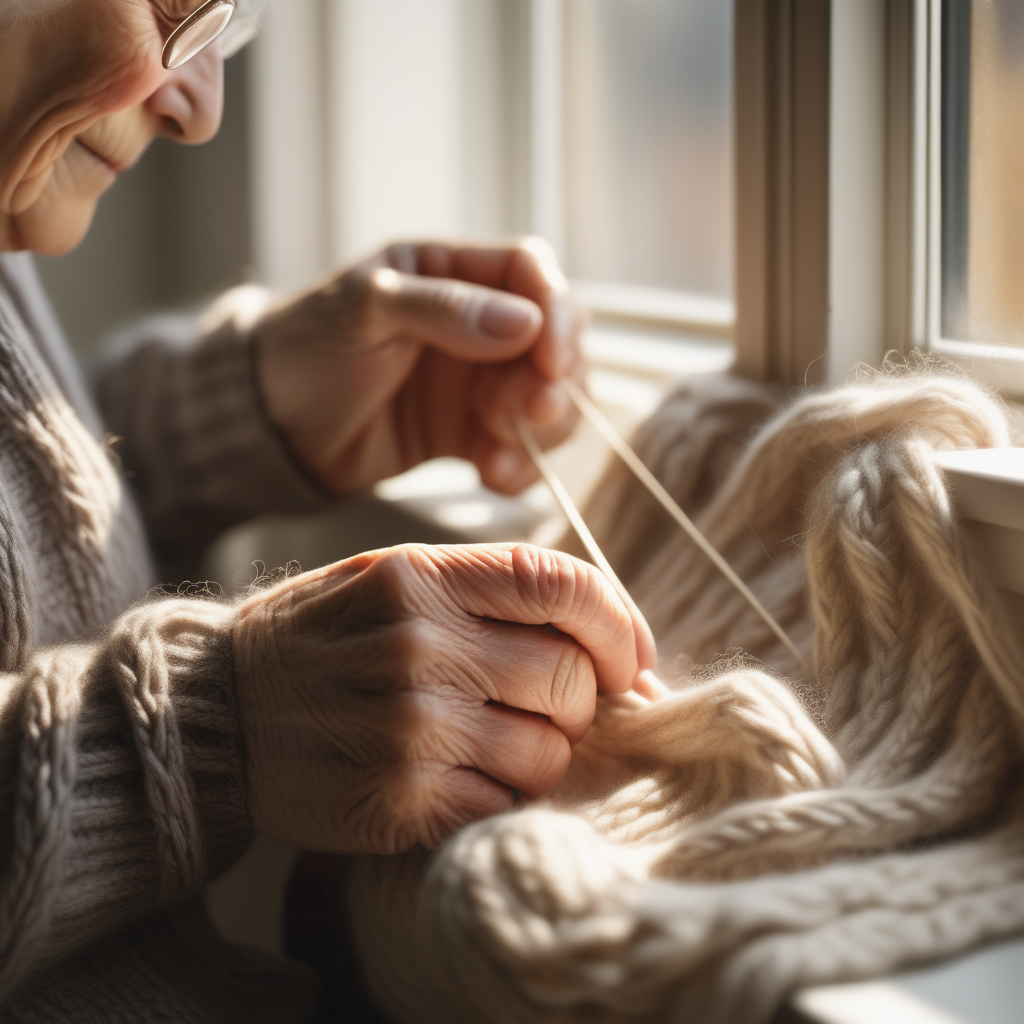
Prompt 3: Weakness check
Tests photoreal micro-texture and natural hand detail.
A close-up of elderly hands knitting thick wool beside a sunlit window, realistic skin texture, visible veins, soft fibres, shallow depth of field, natural documentary photography, no text, no extra fingers
Image result for HelpingAI/PixelGen
black-forest-labs/FLUX.1-schnell
A quicker FLUX option when you want the family look and realism bias without waiting for the slower dev model.
Pros
- Often keeps the polished FLUX feel while returning results much faster.
- Strong for portraits, interiors, and calm lifestyle scenes where realism matters.
- A sensible choice for iterative prompt tuning before a final FLUX Dev pass.
Cons
- Busy scenes can lose fine coherence sooner than
FLUX.1-dev.
- Micro-detail and material nuance are usually a step down from the slower flagship.
- Not the best pick when tiny text or dense crowds are central to the brief.
Prompt 1: Portrait benchmark
A fast realism test for faces, skin, and studio lighting.
A portrait of a ceramic artist in a bright studio, clay dust on apron, shelves of bowls behind them, premium editorial photography, realistic skin texture, natural posture, no text
Image result for black-forest-labs/FLUX.1-schnell
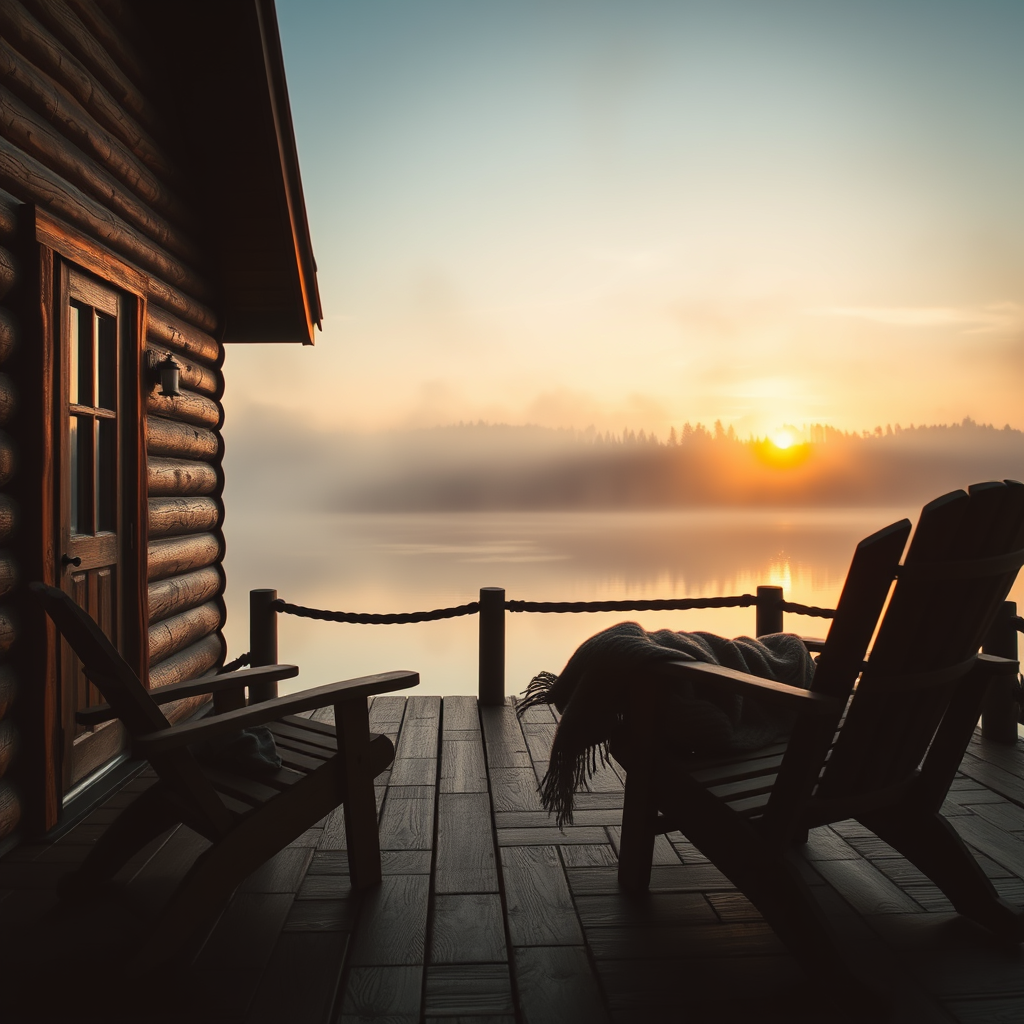
Prompt 2: Atmospheric landscape
Checks whether the model still holds layered depth and light in a scenic setup.
A lakeside cabin terrace at sunrise, mist over still water, timber furniture, folded wool blanket, cinematic realism, layered atmosphere, no people, no text
Image result for black-forest-labs/FLUX.1-schnell
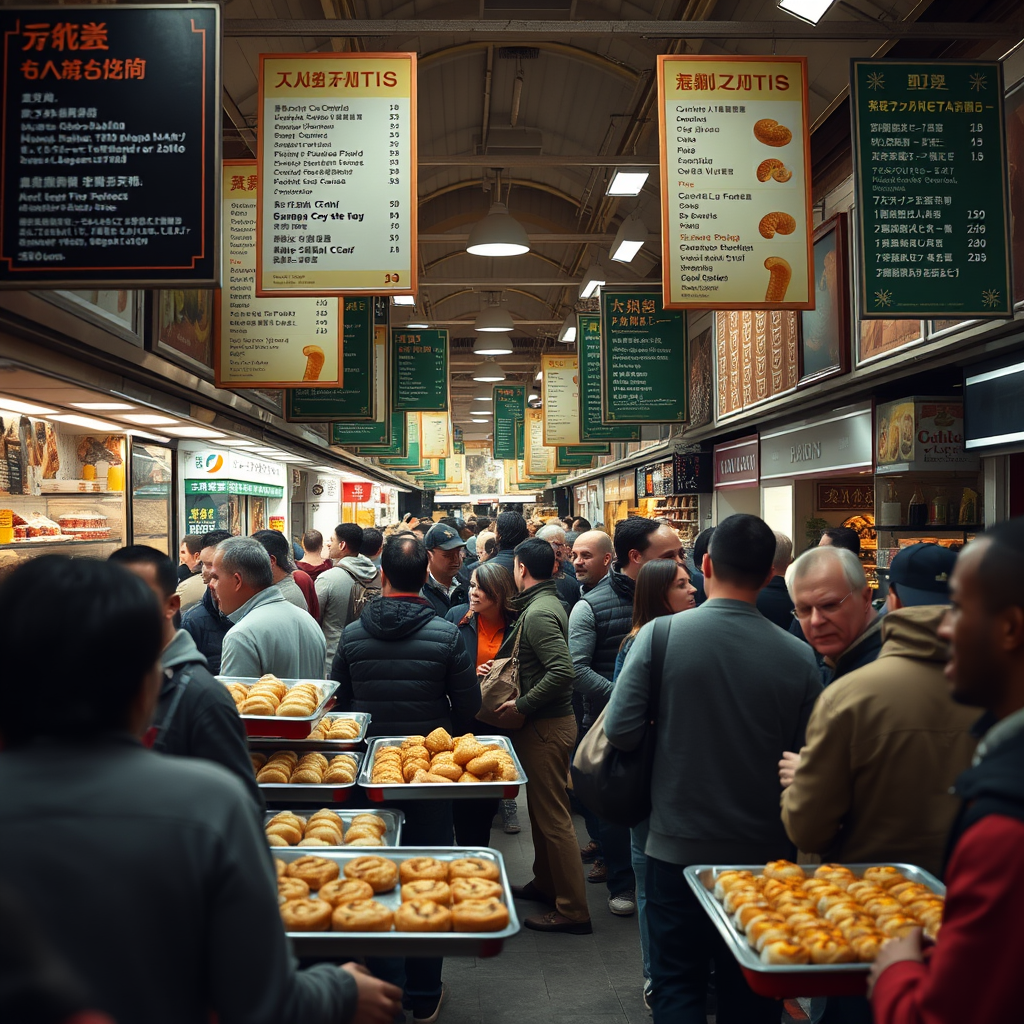
Prompt 3: Weakness check
Useful for testing crowd density, small signage, and motion in one frame.
A busy indoor food market with many shoppers, hanging menu boards, trays of pastries, candid documentary photography, realistic hands and faces, no watermark
Image result for black-forest-labs/FLUX.1-schnell
ovedrive/Qwen-Image-2512-4bit
Worth trying when prompt obedience, layout clarity, or readable signage matters most.
Pros
- Often a strong choice for instruction-following and layout-sensitive prompts.
- Can be useful for packaging, signage, and desktop/product scenes.
- A sensible pick when you need the model to respect more explicit constraints.
Cons
- The 4-bit version may look softer or less refined than heavier alternatives.
- Fast motion or crowded human scenes may lose coherence.
- Very natural skin and lighting can feel less premium than FLUX-style outputs.
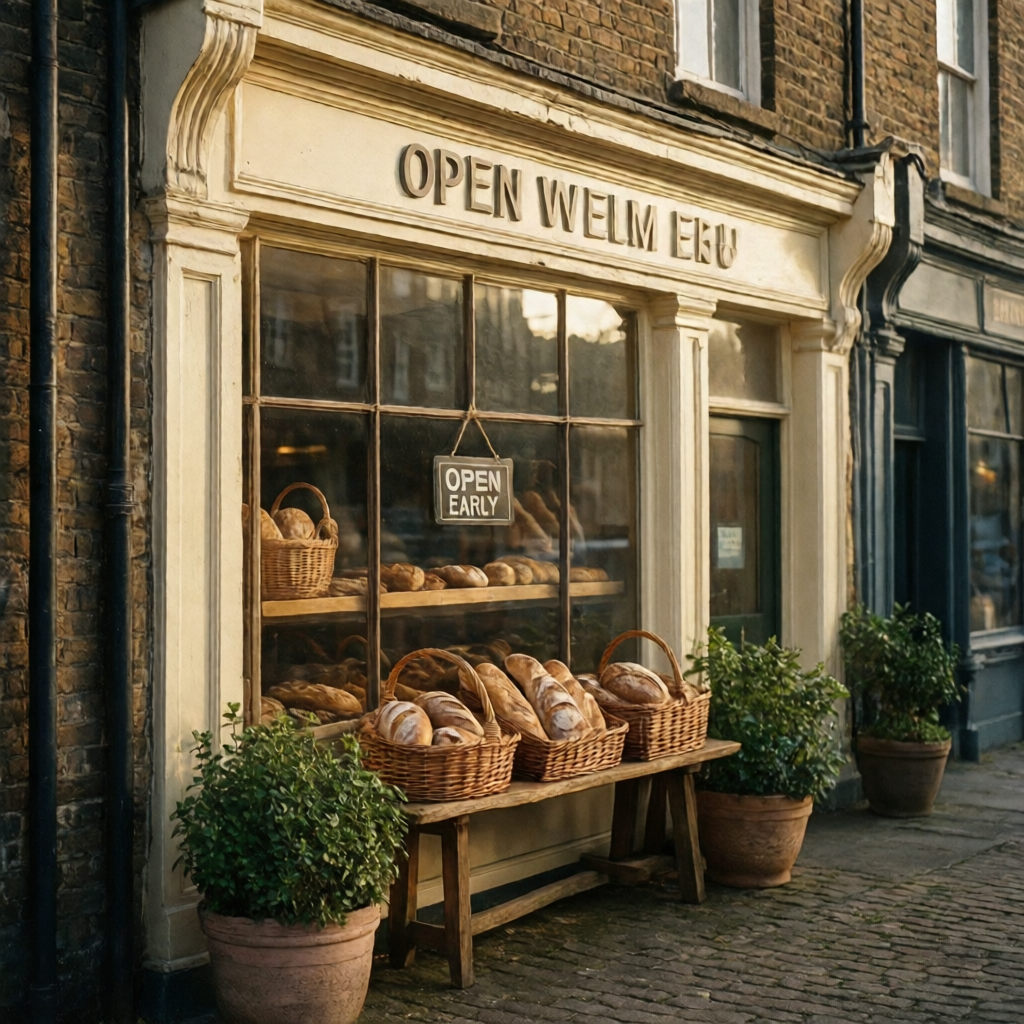
Prompt 1: Signage test
Designed to show whether text handling is better than the other models.
A charming bakery storefront at sunrise, painted cream facade, baskets of bread in the window, and a tidy hanging sign that clearly reads OPEN EARLY, realistic street photography, soft morning shadows, no people blocking the sign
Image result for ovedrive/Qwen-Image-2512-4bit
Prompt 2: Product layout test
Checks tidy arrangement and prompt obedience across multiple objects.
A top-down desk flat lay with a fountain pen, a camera, a folded map, a closed linen notebook, and a ceramic cup, arranged neatly with even spacing, soft studio light, premium editorial product photography, no brand logos
Image result for ovedrive/Qwen-Image-2512-4bit
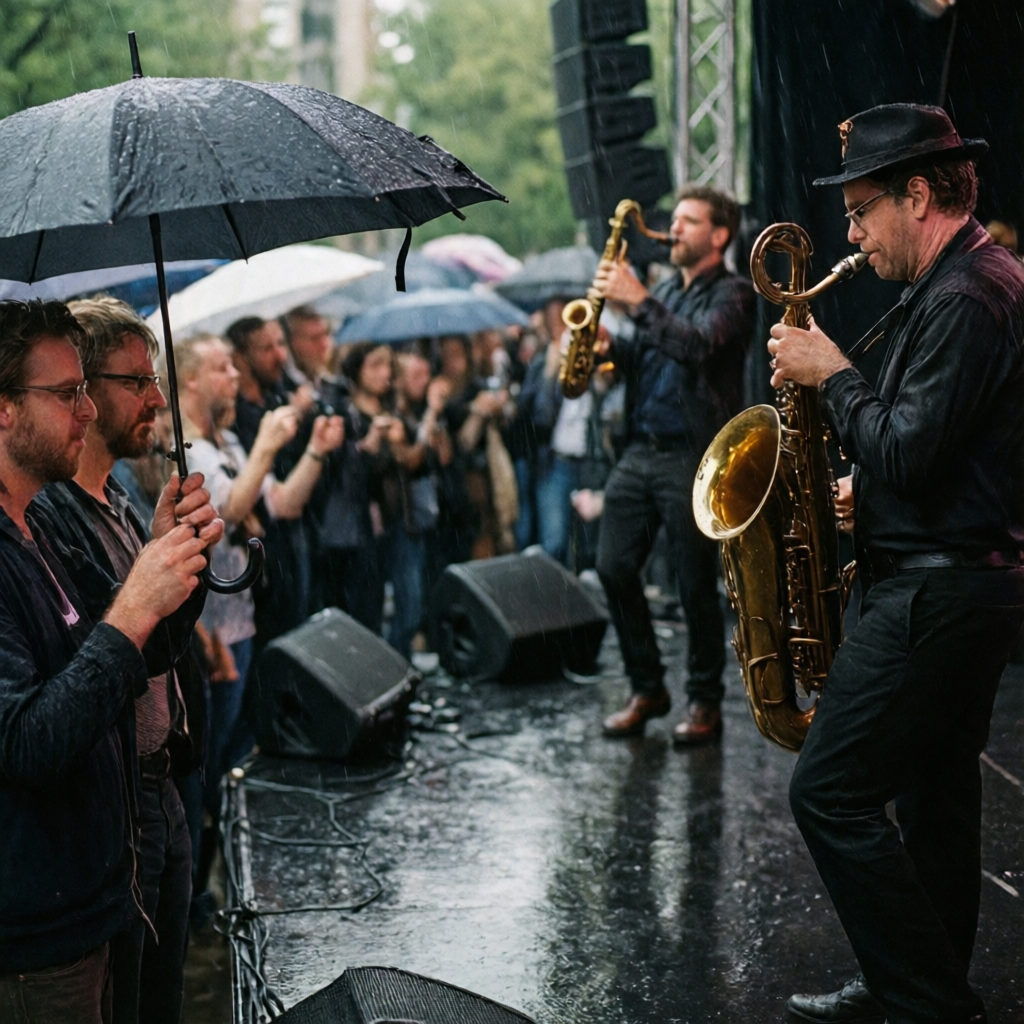
Prompt 3: Weakness check
Tests crowd coherence, motion, and more difficult anatomy.
A live outdoor jazz concert in light rain, audience holding umbrellas, musicians in motion on stage, reflective pavement, layered depth, realistic hands and instruments, candid event photography, no text, no watermark
Image result for ovedrive/Qwen-Image-2512-4bit
stabilityai/stable-diffusion-xl-base-1.0
A classic SDXL baseline for broad experimentation, LoRA-heavy workflows, and comparing newer models against a familiar starting point.
Pros
- Still useful as a dependable baseline for products, interiors, and general concepting.
- Pairs well with the wider SDXL ecosystem when you plan to layer on LoRAs later.
- Often gives readable, balanced compositions without much prompt ceremony.
Cons
- Usually feels less premium than FLUX on realism and less modern than newer specialised models.
- Hands and other tight anatomy details still need active checking.
- Prompt obedience can drift sooner when scenes become crowded or constraint-heavy.
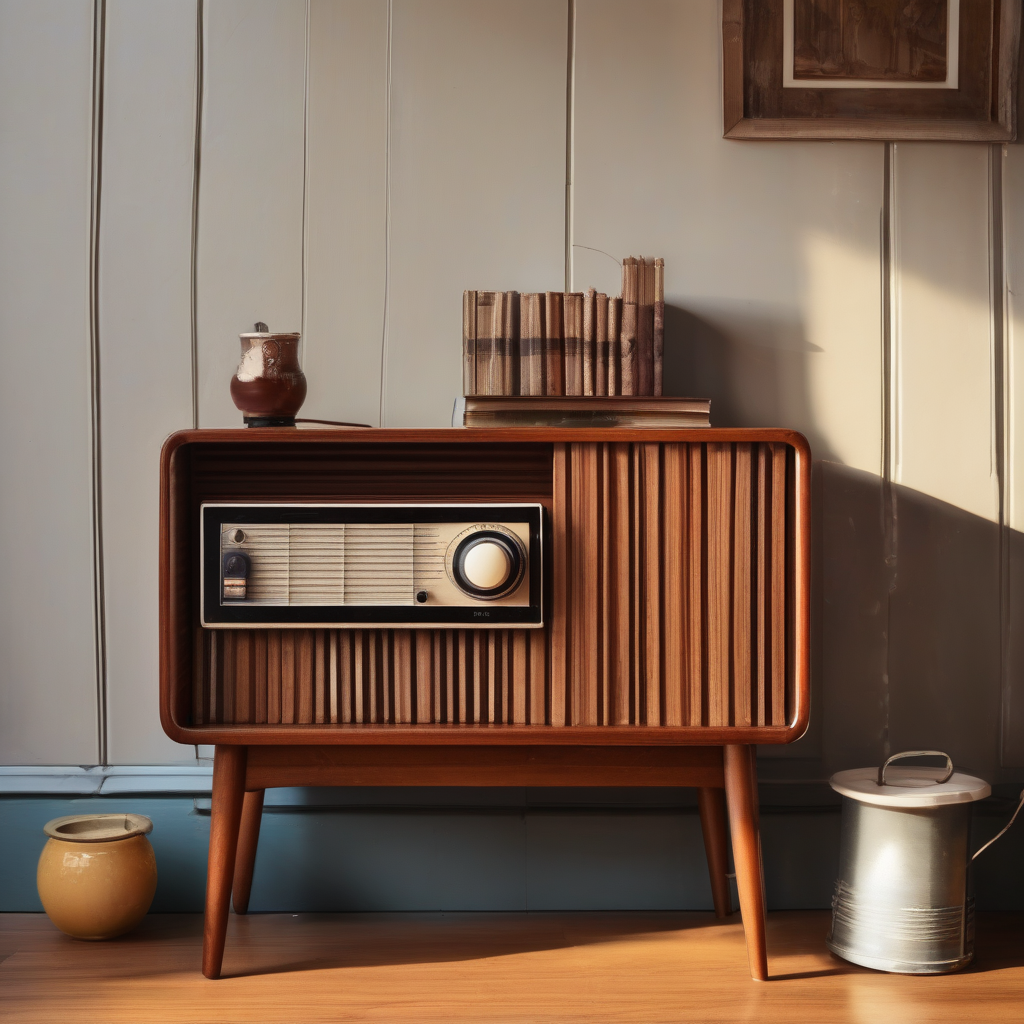
Prompt 1: Product still life
A clean baseline test for object styling and warm material handling.
A retro radio and paperback books on a walnut sideboard, warm afternoon light, tidy lifestyle still life photography, realistic textures, no text emphasis
Image result for stabilityai/stable-diffusion-xl-base-1.0
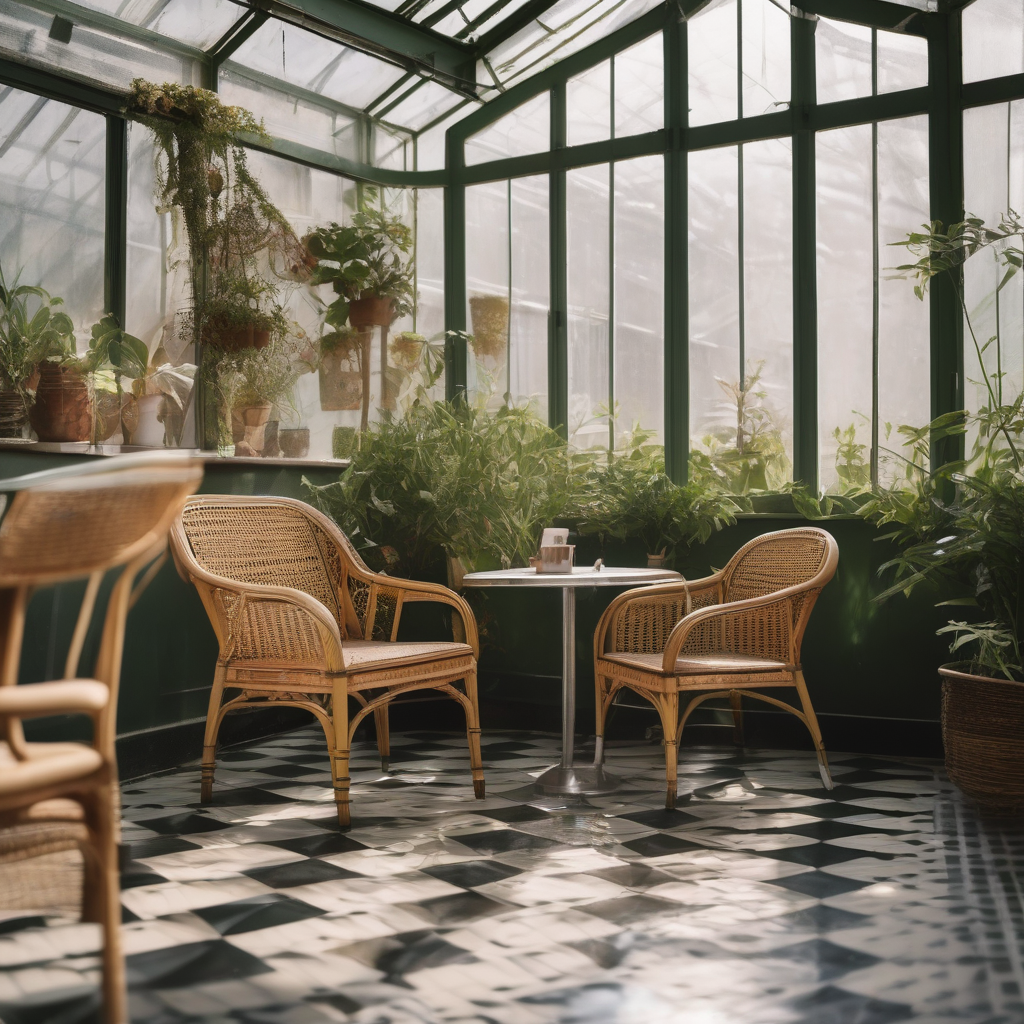
Prompt 2: Interior atmosphere
Checks whether the model keeps a relaxed interior scene organised and believable.
A greenhouse cafe corner with cane chairs, patterned floor tiles, trailing plants, soft morning light, inviting editorial interior photography, no people, no text
Image result for stabilityai/stable-diffusion-xl-base-1.0
Prompt 3: Weakness check
Useful for seeing how well the model handles close-up hands and crafted detail.
A close-up of hands wrapping a gift box with striped ribbon on a craft table, realistic fingers, crisp paper texture, studio photography, no extra fingers, no text
Image result for stabilityai/stable-diffusion-xl-base-1.0
Lykon/dreamshaper-xl-1-0
A strong pick for fantasy, storybook atmosphere, and painterly concept art when photoreal fidelity is not the main goal.
Pros
- Excels at stylised environments, cinematic fantasy worlds, and illustrative mood.
- Useful when you want something more expressive than a realism-first model.
- Often gives attractive lighting and composition for worldbuilding prompts.
Cons
- Less dependable for strict photorealism, precise signage, or accurate product layouts.
- Can romanticise scenes even when you ask for a grounded documentary look.
- Faces and hands are serviceable, but they are not the reason to pick this model.
Prompt 1: Worldbuilding scene
Designed to show off scale, atmosphere, and painterly environmental storytelling.
A fantasy city carved into sea cliffs at sunrise, suspended bridges, banners in the wind, painterly cinematic concept art, luminous atmosphere, no text
Image result for Lykon/dreamshaper-xl-1-0
Prompt 2: Storybook interior
Checks how well the model handles warm detail and fantasy interior mood.
An enchanted library with floating lanterns, spiral staircases, carved oak shelves, warm magical light, detailed storybook illustration, no people, no text
Image result for Lykon/dreamshaper-xl-1-0
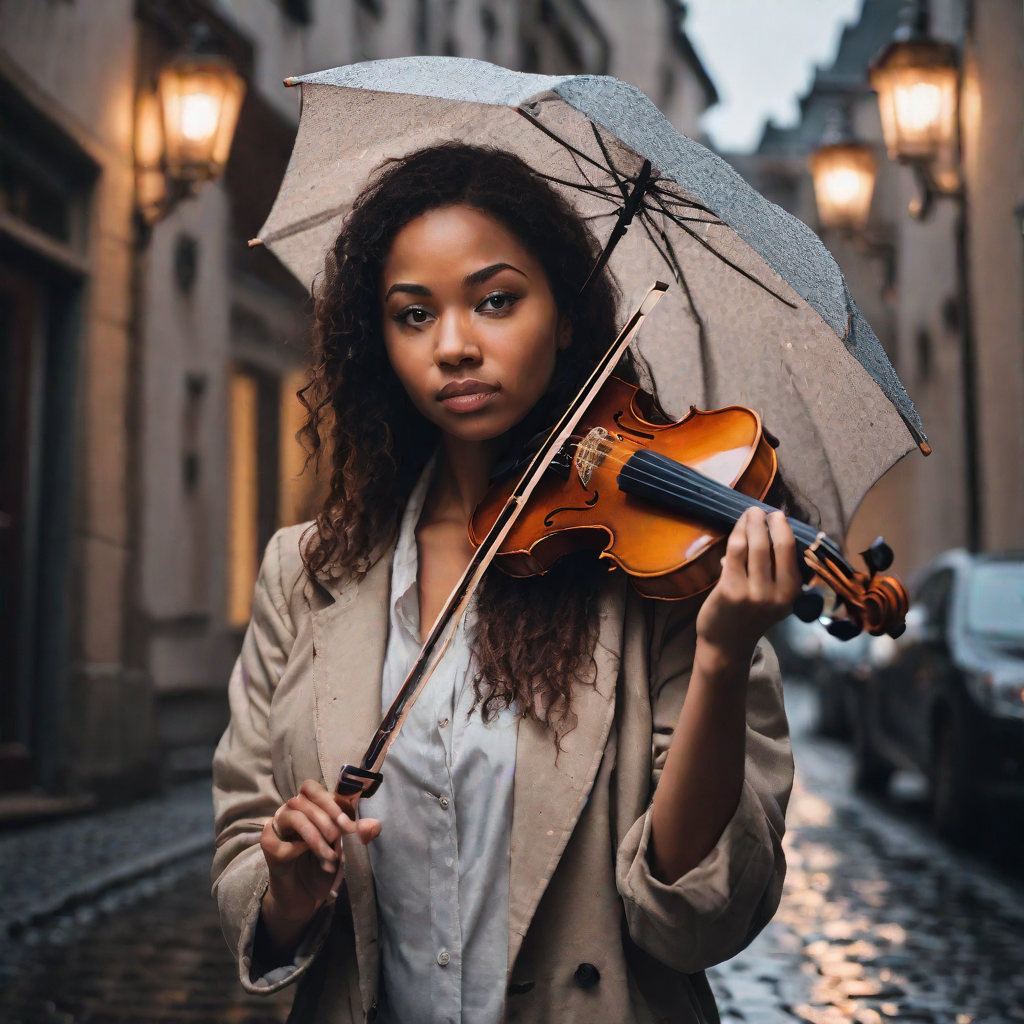
Prompt 3: Weakness check
Useful for seeing how the model behaves when asked to move closer to photoreal portrait work.
A realistic street portrait of a violinist under an umbrella at dusk, wet cobblestones, expressive face, natural hands, cinematic photography, no watermark
Image result for Lykon/dreamshaper-xl-1-0
black-forest-labs/FLUX.1-dev
The safest default when you want strong prompt adherence, high detail, and polished realism.
Pros
- Usually the strongest all-round choice for realism and composition.
- Handles nuanced lighting and material detail well.
- Often the best option when you want premium-looking output from a broad prompt.
Cons
- Can feel heavier or slower than lighter experimentation models.
- Exact small typography still needs testing rather than trust.
- If you want a more obviously stylised look, it may be too restrained.
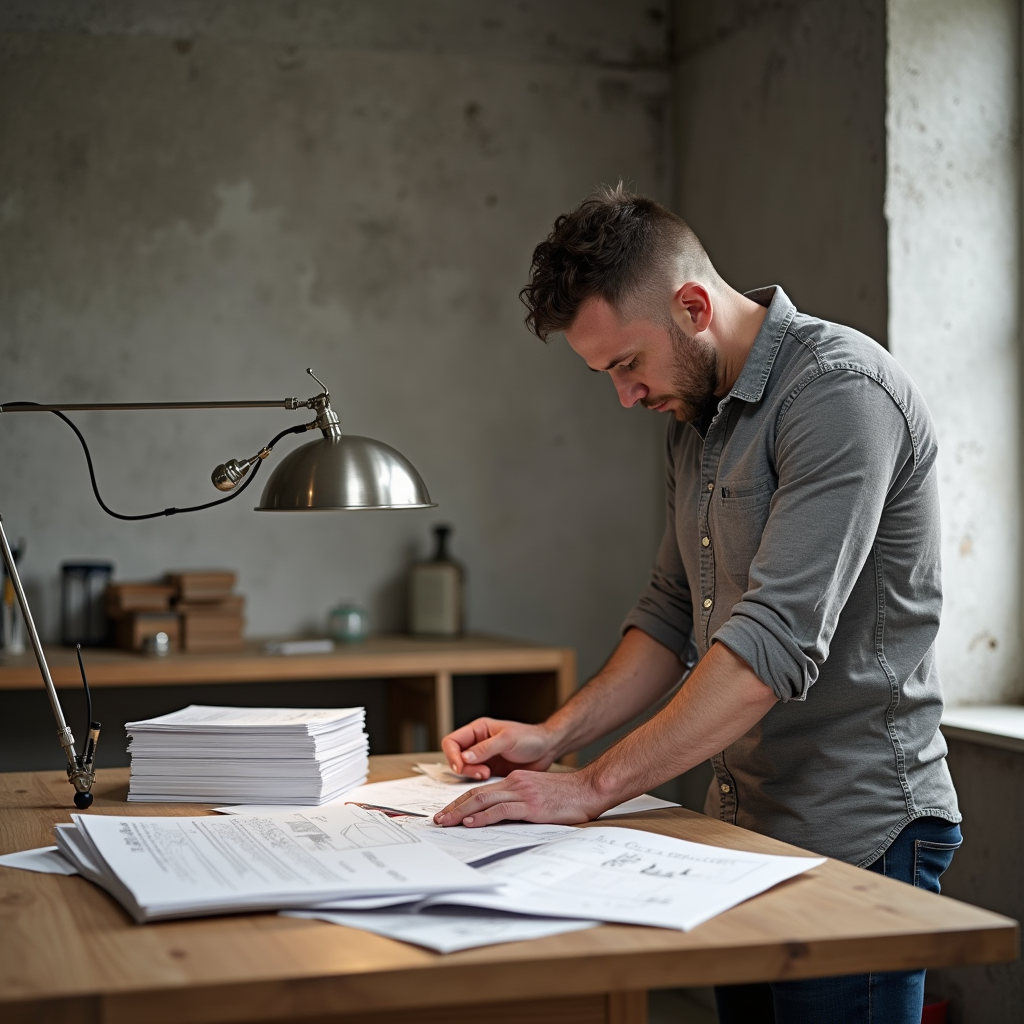
Prompt 1: Realism benchmark
A good benchmark for premium photoreal output.
An architect reviewing material samples in a concrete studio, oak table, brushed steel lamp, stacks of sketches, soft overcast daylight, realistic skin texture, premium editorial photography, natural posture, rich material detail, no text
Image result for black-forest-labs/FLUX.1-dev
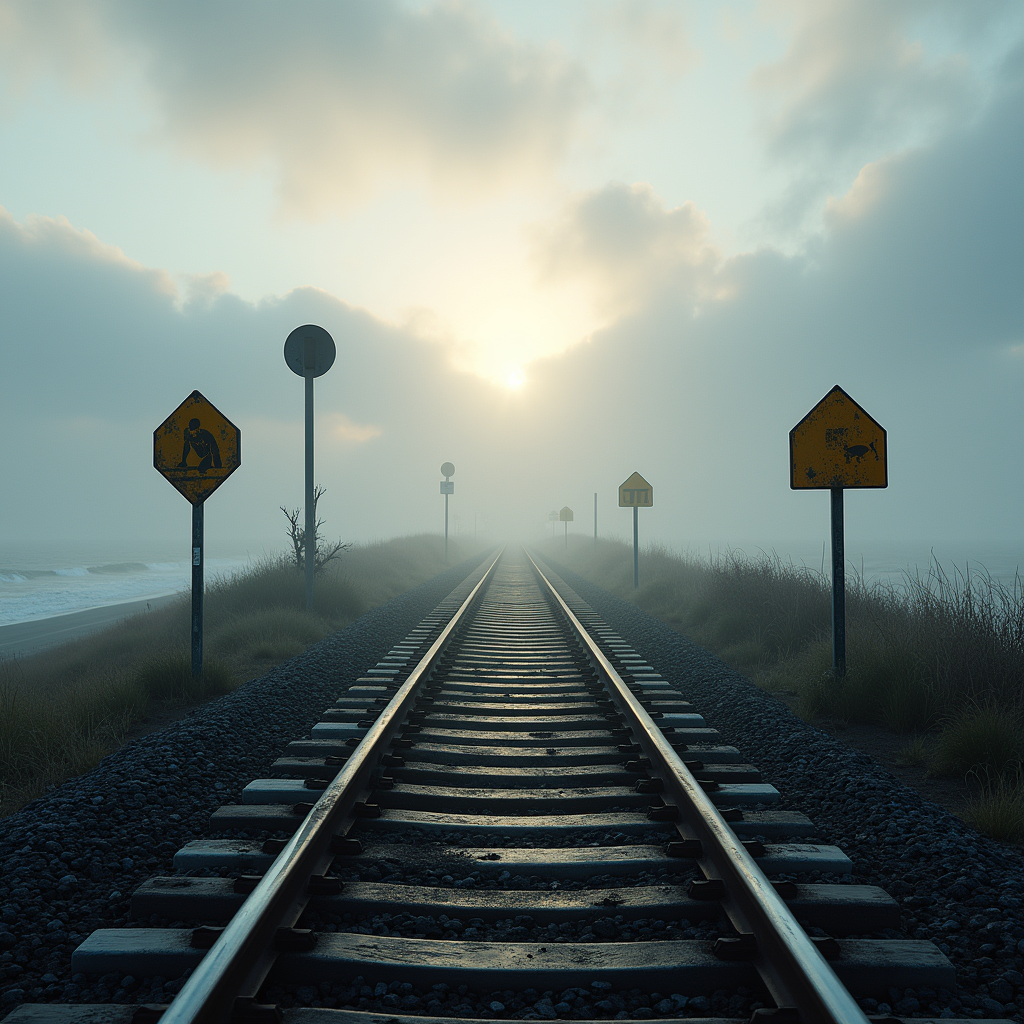
Prompt 2: Landscape realism
Checks depth, atmosphere, and fine environmental texture.
A coastal railway crossing at dawn with sea mist rolling over the tracks, weathered warning posts, damp gravel, pale sun behind clouds, cinematic realism, layered distance, highly detailed textures, no people, no text
Image result for black-forest-labs/FLUX.1-dev
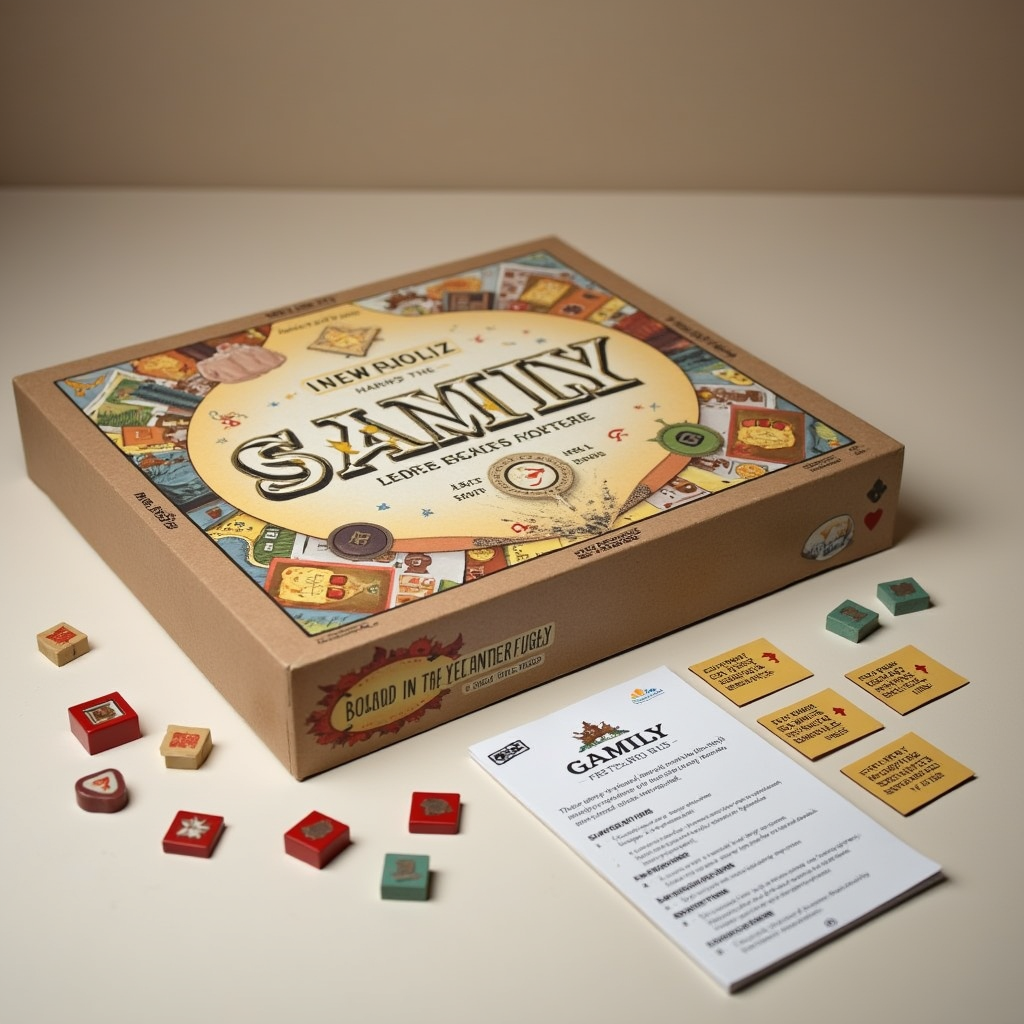
Prompt 3: Weakness check
Useful for checking if detail stays coherent when tiny text is introduced.
A beautifully designed family board game box on a table, illustrated pieces spread around it, and a small rule card with clean printed headings, studio product photography, realistic cardboard texture, accurate tiny text layout
Image result for black-forest-labs/FLUX.1-dev
cyberdelia/CyberRealisticPony
Best treated as a character-forward model when you want expressive people, beauty, or fashion-led results.
Pros
- Often strong for faces, hair, styling, and character presentation.
- Useful for portrait-heavy or fashion-heavy streams.
- Can produce appealing subject separation and flattering lighting.
Cons
- Less ideal as a general architecture or product model.
- Can bias toward character-centric framing even when you want a wider scene.
- Scene realism away from the subject may be less dependable.
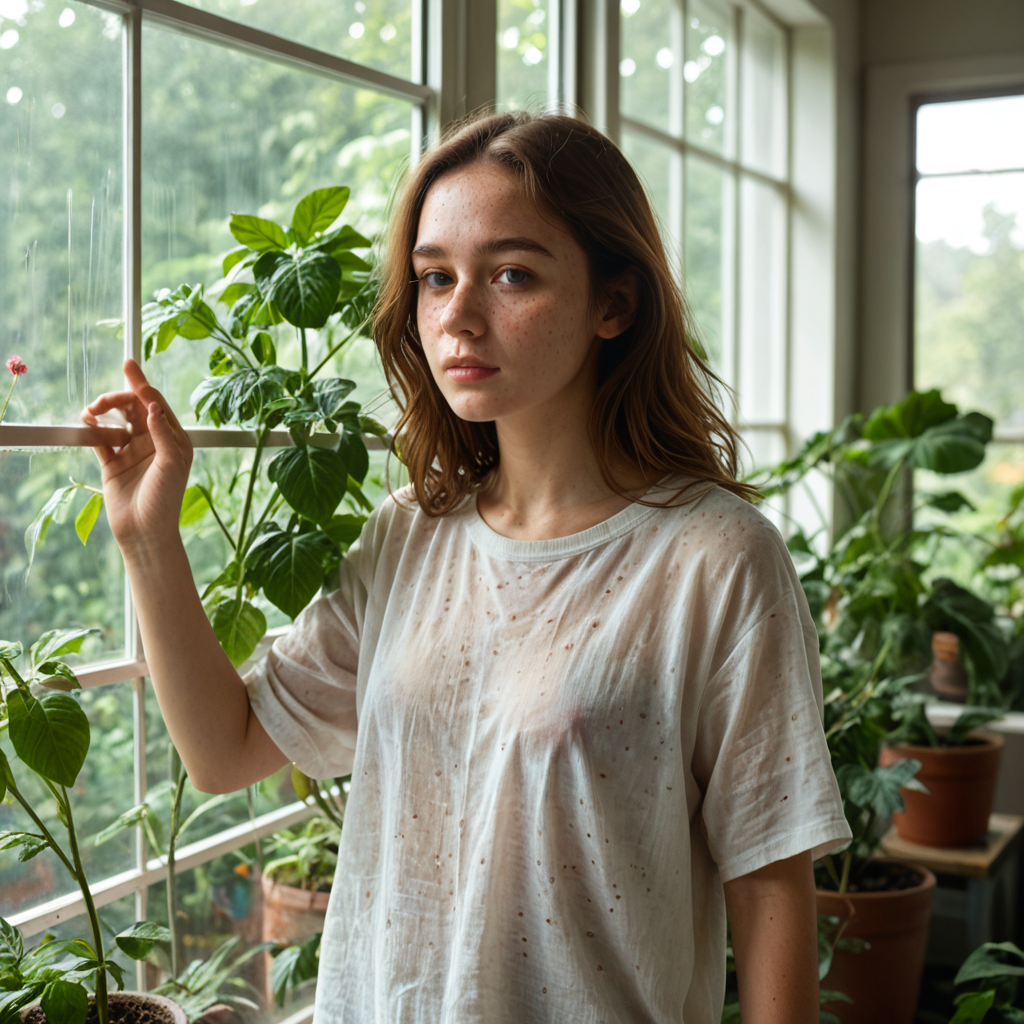
Prompt 1: Portrait benchmark
Highlights face quality, skin handling, and flattering light.
A freckled woman standing inside a greenhouse filled with climbing plants, soft morning light through glass, loose linen shirt, calm expression, natural skin texture, realistic portrait photography, shallow depth of field, no text
Image result for cyberdelia/CyberRealisticPony
Prompt 2: Fashion movement
Checks how well the model keeps a person stylish and readable in motion.
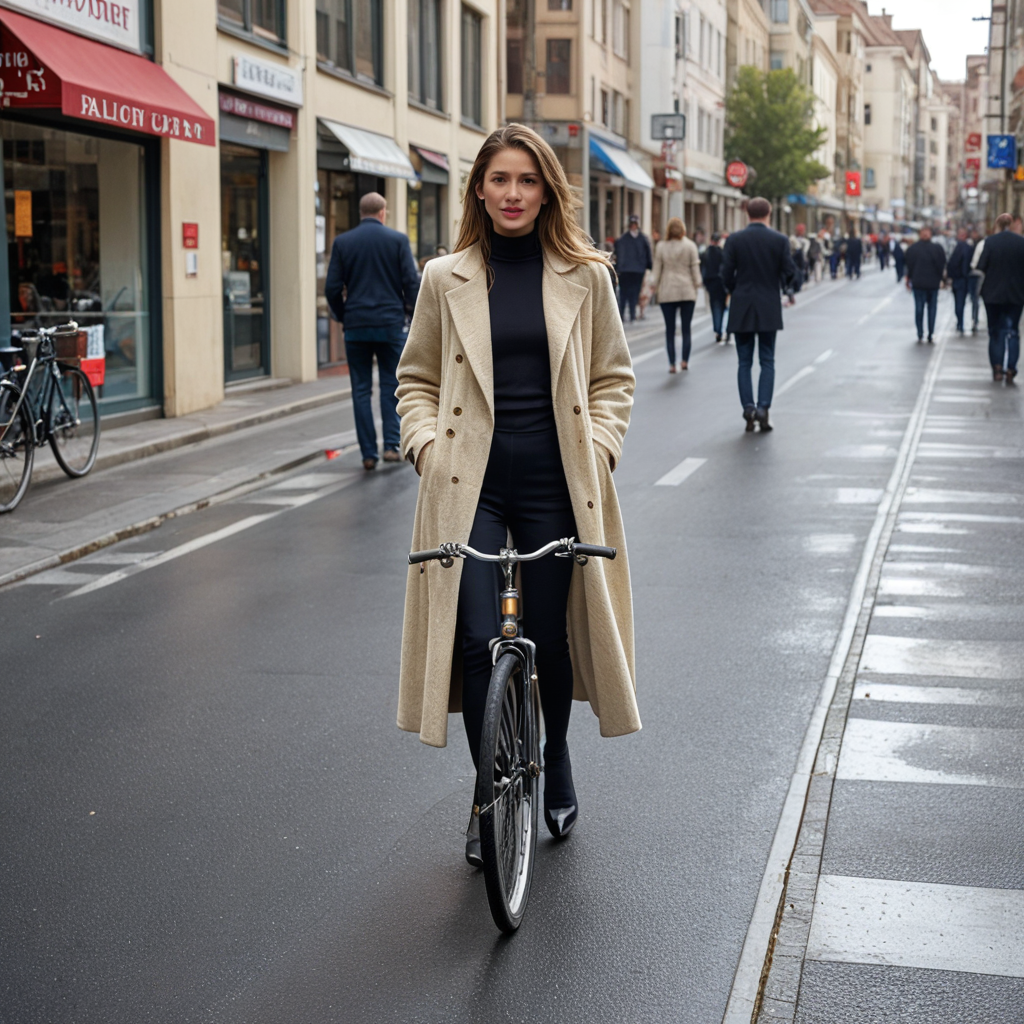
A stylish cyclist pausing on a quiet European street at golden hour, tailored coat moving slightly in the breeze, warm storefront reflections, polished editorial fashion photography, natural proportions, no logos, no text
Image result for cyberdelia/CyberRealisticPony
Prompt 3: Weakness check
Useful for testing whether the model can resist collapsing into a portrait-first composition.
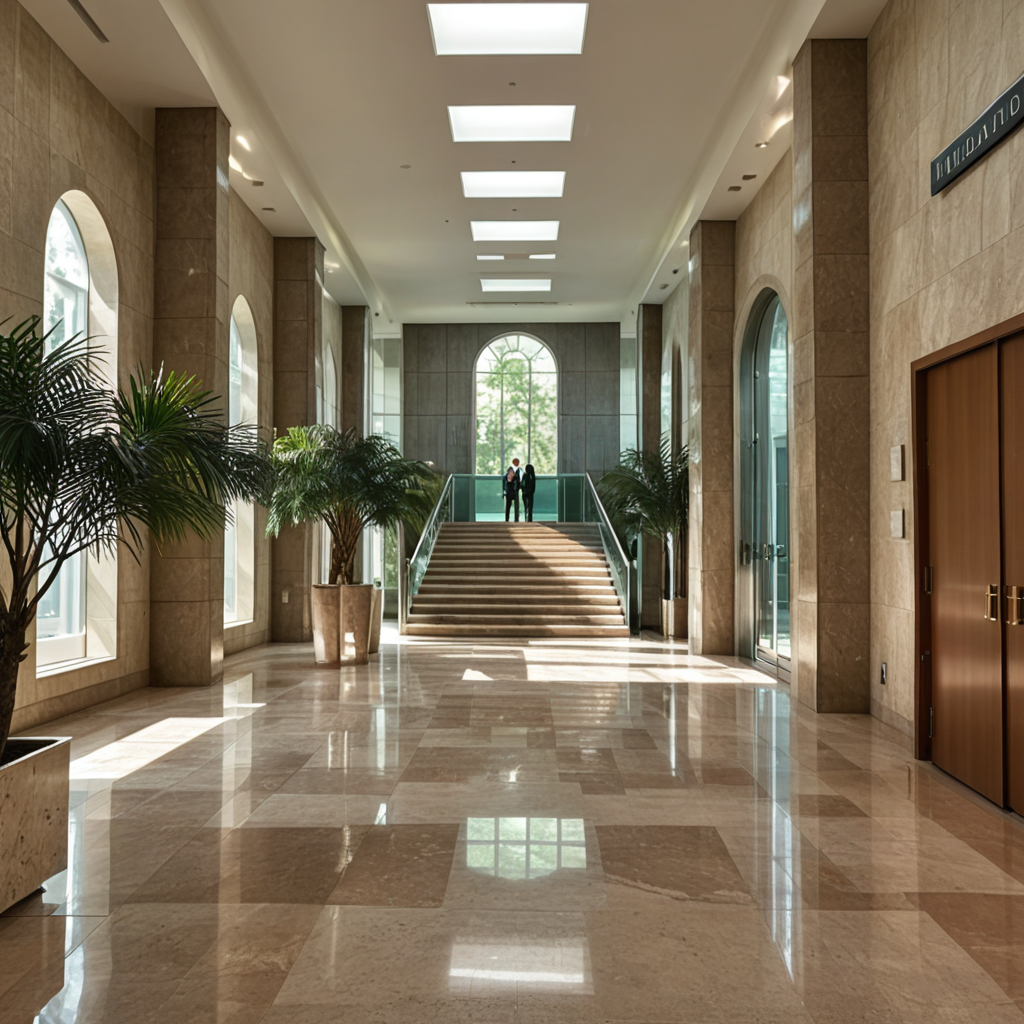
A wide modern hotel lobby with polished stone floors, multiple seated guests, reception desk, indoor trees, distant elevator doors, realistic interior architecture photography, balanced wide-angle framing, no text
Image result for cyberdelia/CyberRealisticPony
stabilityai/stable-diffusion-3.5-medium
A balanced generalist for broad experimentation when you want something flexible and familiar.
Pros
- Solid as a general-purpose baseline model.
- Useful for comparing newer or more specialised models against a familiar middle ground.
- Can work well for concept art, lifestyle scenes, and mixed prompt styles.
Cons
- May not beat FLUX for realism or Qwen for layout-heavy prompts.
- Can occasionally look more synthetic in faces or materials.
- High-detail transparency, reflective surfaces, and tiny text still need caution.
Prompt 1: Balanced lifestyle scene
A clean baseline test for composition and atmosphere.
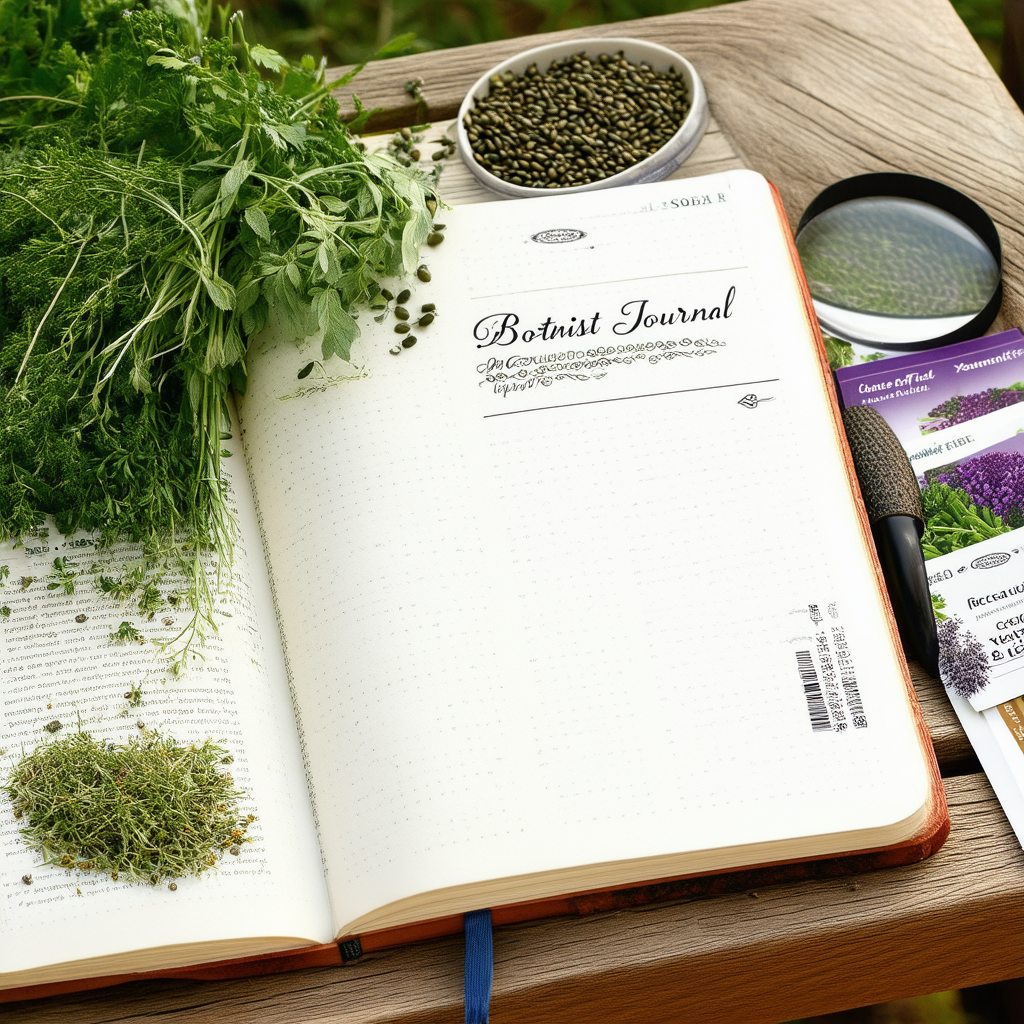
A botanist's field journal laid open on a wooden bench beside seed packets, a magnifying glass, and clipped herbs, soft daylight, calm natural styling, realistic textures, editorial still life photography, no text emphasis
Image result for stabilityai/stable-diffusion-3.5-medium
Prompt 2: Interior design scene
Checks whether the model keeps structure and materials believable.
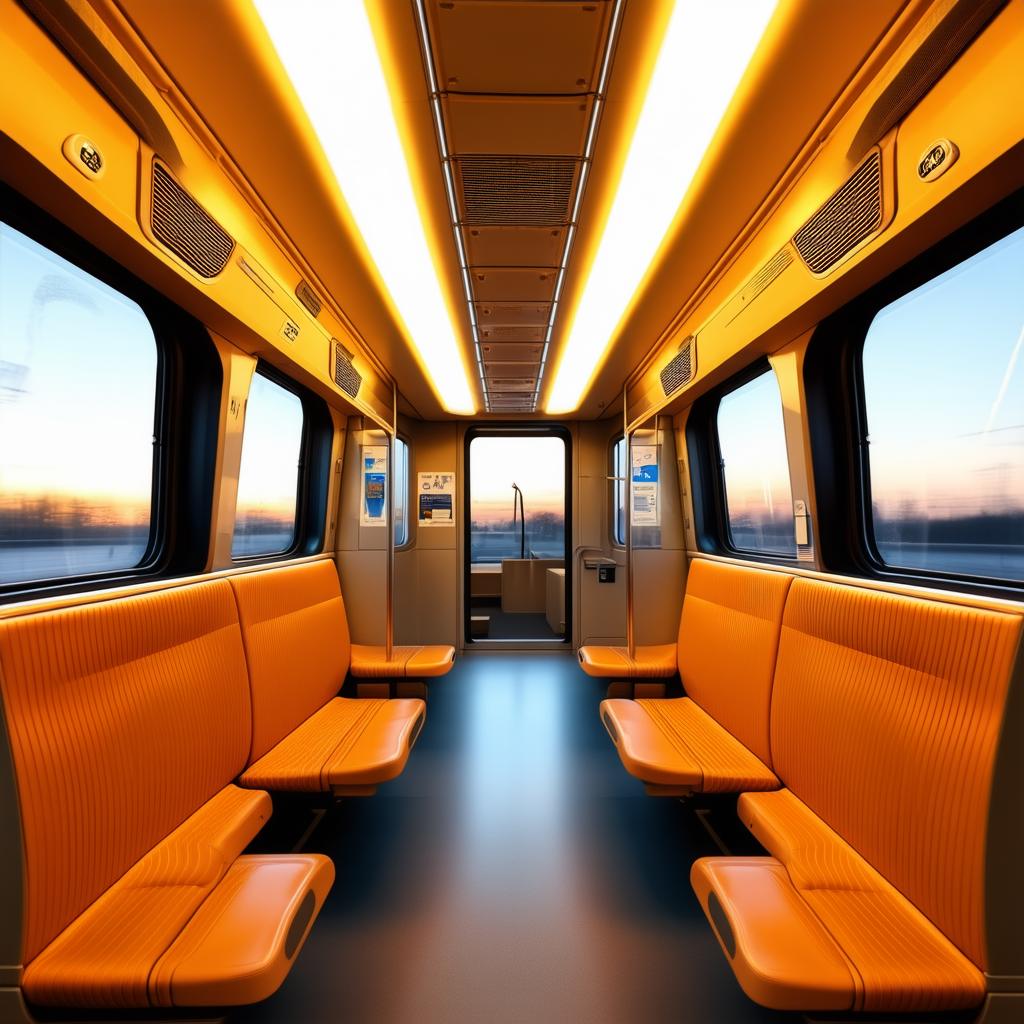
A modern train carriage interior with warm wood panels, large windows, soft evening light, empty seats, clean aisle perspective, realistic public transport design photography, detailed surfaces, no passengers, no text
Image result for stabilityai/stable-diffusion-3.5-medium
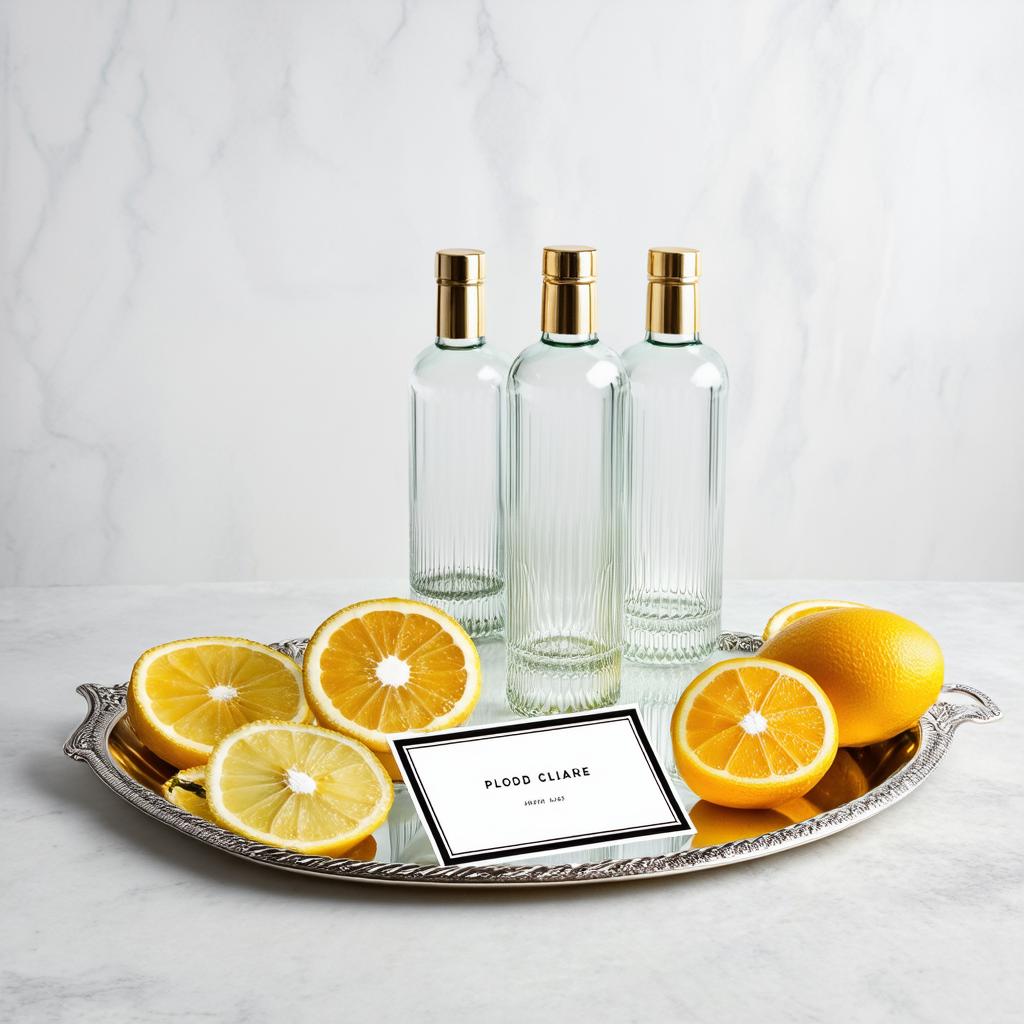
Prompt 3: Weakness check
Useful for testing transparency, reflections, and label handling.
A studio arrangement of clear glass bottles, a silver tray, sliced citrus, and a small elegant label card, bright controlled lighting, realistic reflections and refraction, premium product photography, accurate edges, minimal clean text
Image result for stabilityai/stable-diffusion-3.5-medium